
When a business merger brought a ServiceMax org and a Salesforce Field Service org under one roof, the first question everyone asked was "how fast can we move the data?" The better question was "what does each record become on the other side?" Working as Technical Architect on that conversion taught me that a migration only goes as well as its mapping.
Map processes, not just objects
ServiceMax and Field Service solve the same problems, but they model them differently. Before writing a single mapping row, list the business processes the technicians and dispatchers actually use and decide how each one will run in Field Service:
- Dispatch on the ServiceMax board becomes scheduling in the Dispatcher Console, driven by scheduling policies.
- SFM wizards and transactions usually become screen flows and quick actions, surfaced in the Field Service mobile app.
- Work details split into labour and activity lines (Work Order Line Items) and parts usage (Products Consumed).
- Technician stock moves to Field Service inventory: Locations and Product Items.
A typical object mapping
The table below is the starting point I use. ServiceMax API names vary with version and customization, so always confirm them against your org's schema.
| ServiceMax | Salesforce Field Service |
|---|---|
Work Order (SVMXC__Service_Order__c) | WorkOrder |
Work Detail (SVMXC__Service_Order_Line__c) | WorkOrderLineItem for labour and activities, ProductConsumed for parts |
Installed Product (SVMXC__Installed_Product__c) | Asset |
Location (SVMXC__Site__c) | Location with an Address |
Service Team (SVMXC__Service_Group__c) | Usually ServiceTerritory (sometimes ServiceCrew) |
Technician (SVMXC__Service_Group_Members__c) | ServiceResource plus ServiceTerritoryMember |
Product Stock (SVMXC__Product_Stock__c) | ProductItem at an inventory Location |
Service Contract (SVMXC__Service_Contract__c) | ServiceContract and Entitlement |
Skill (SVMXC__Skill__c) | Skill, with ServiceResourceSkill and SkillRequirement |
Product mapping comes first
Almost everything downstream points at a product: assets, required parts, stock, consumed parts and price book entries. Settle these before anything else:
- One product master. After a merger, the same part often exists twice under different codes. Agree on the surviving product code and keep a cross-reference of the retired ones.
- Units of measure. Field Service tracks stock in
QuantityUnitOfMeasure. A part counted in boxes on one side and in pieces on the other will quietly corrupt inventory. - Serialized versus non-serialized parts. Decide which become Assets and which are only tracked as stock.
Conversion updates before the load
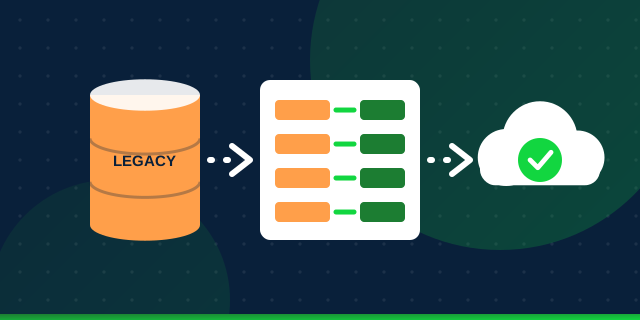
Once the mapping is agreed, apply the conversion updates to the extracted data rather than fixing records after they land: translate picklist values, swap retired product codes for surviving ones, normalize addresses, and convert statuses to the Field Service status model. Running the migration on clean, already-converted data makes reconciliation far simpler.
Legacy_Id__c external ID field to every target object. It lets you upsert safely, rerun loads, and trace any Field Service record back to its ServiceMax source during testing.In the next article I cover the order the data has to be loaded in, which is where most Field Service migrations stumble.